Home/
Beeline Velo 2 $.272.00
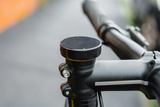
Beeline Velo 2 Stem Cap$41.00$28.70
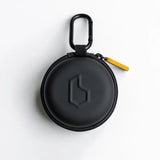
Beeline Velo 2 Carry Case$28.00$19.60
The Beeline Velo 2 navigation device is your simple, elegant companion for better bike rides.
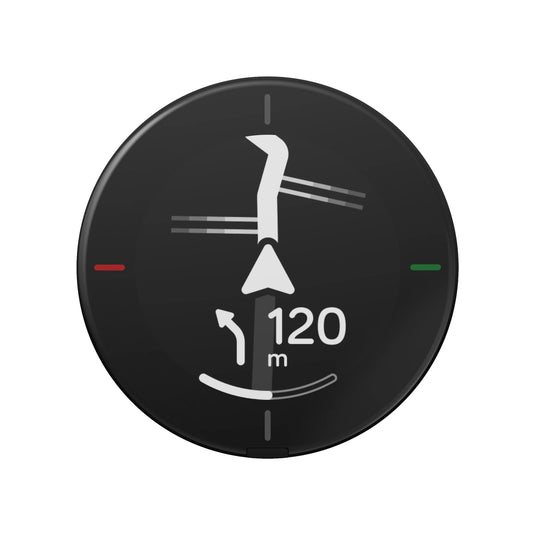
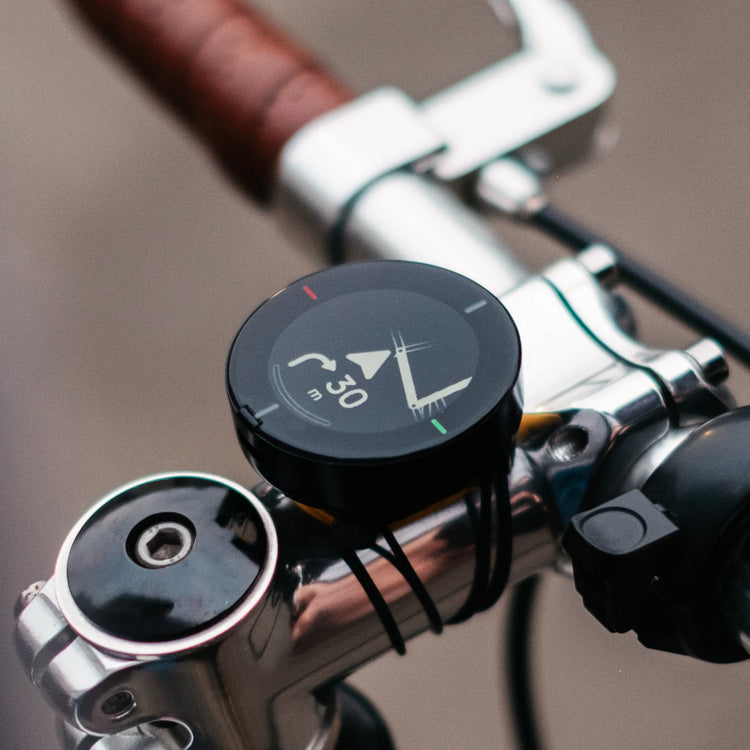
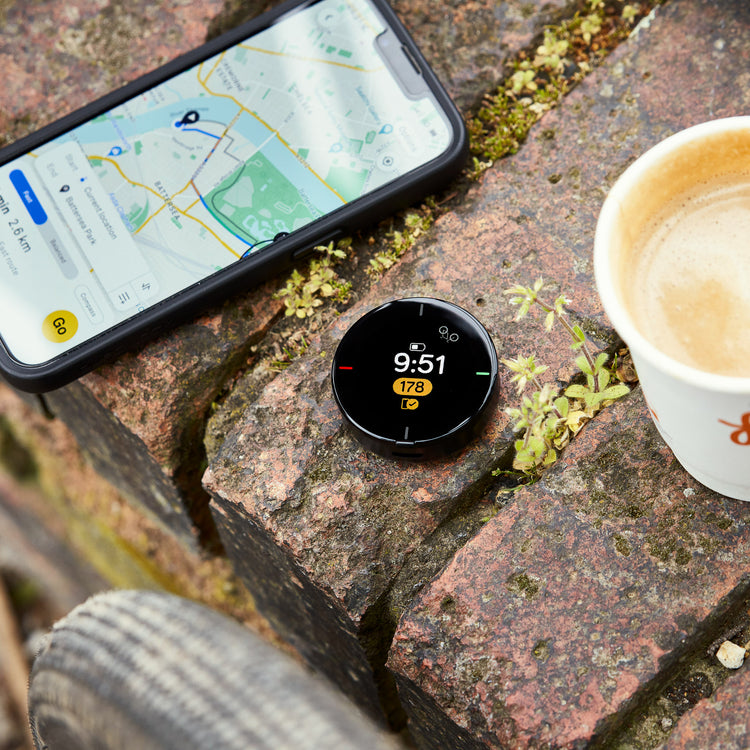
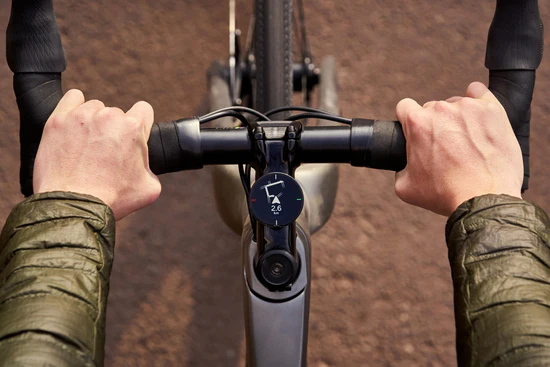
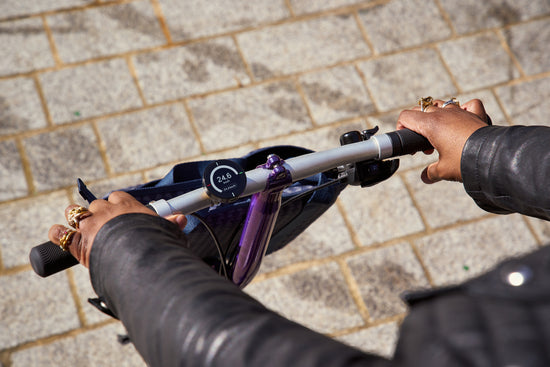
The compact design looks great on any bicycle and the glanceable interface gives you all the information you need at a glance.
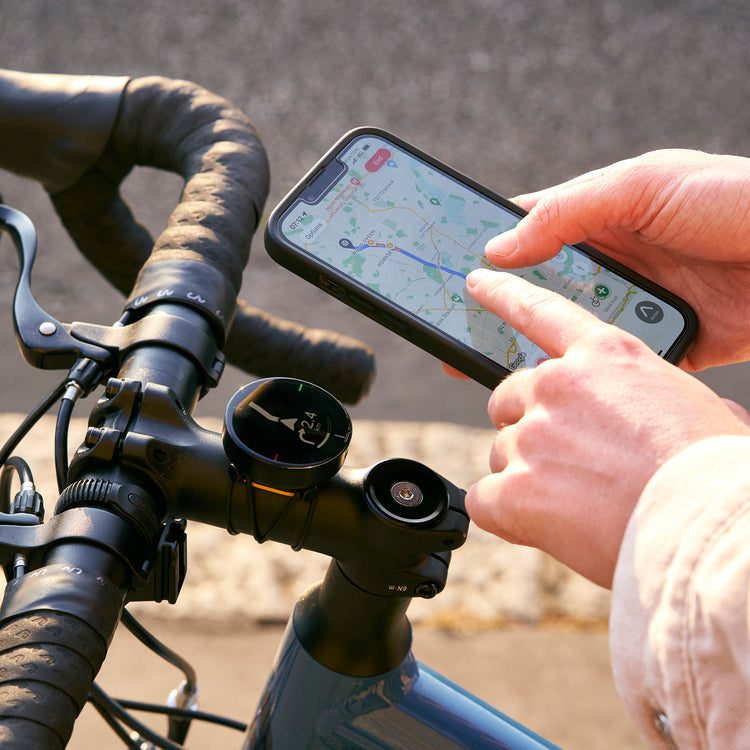
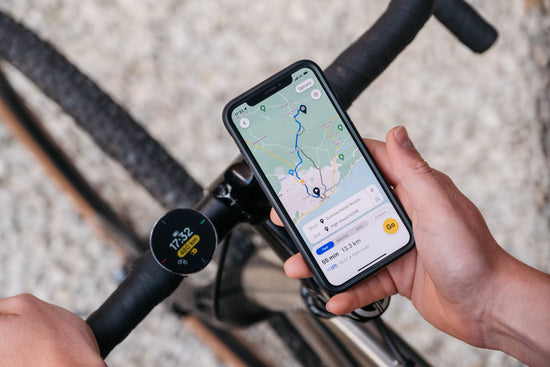
Planning your route in the Beeline app couldn't be easier, whether that's plotting your own route or importing a GPX from elsewhere.
By using Beeline Smart Routing you can benefit from the thousands of riders who have come before you using Beeline's proprietary road rating system.
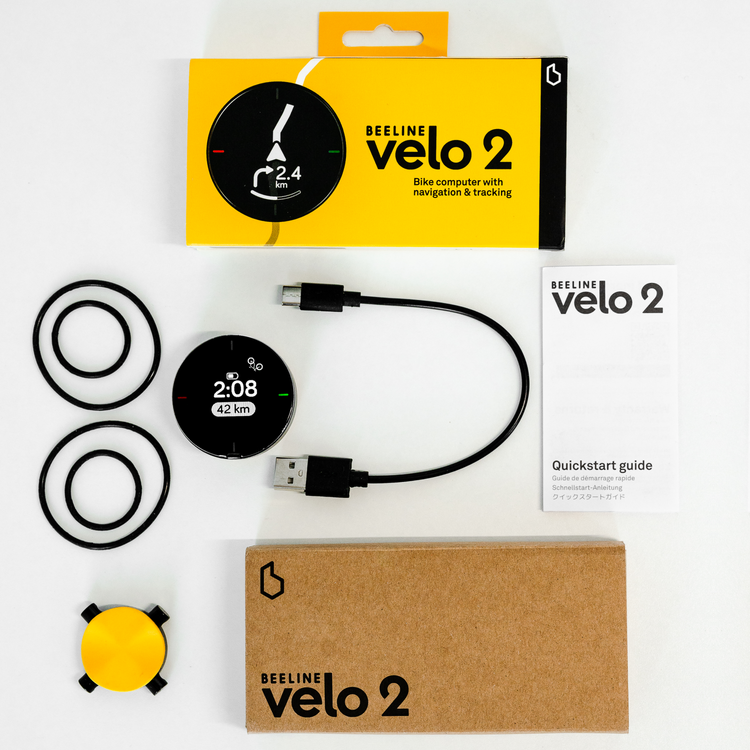
What it comes with:
- Velo 2 device
- USB-C charge cable
- Universal Handlebar Moun
- Quickstart Guide
Beeline Velo 2 is designed for cycling and is not compatible with motorcycle routes.
Beeline Velo 2 Stem Cap Mount $41 .00
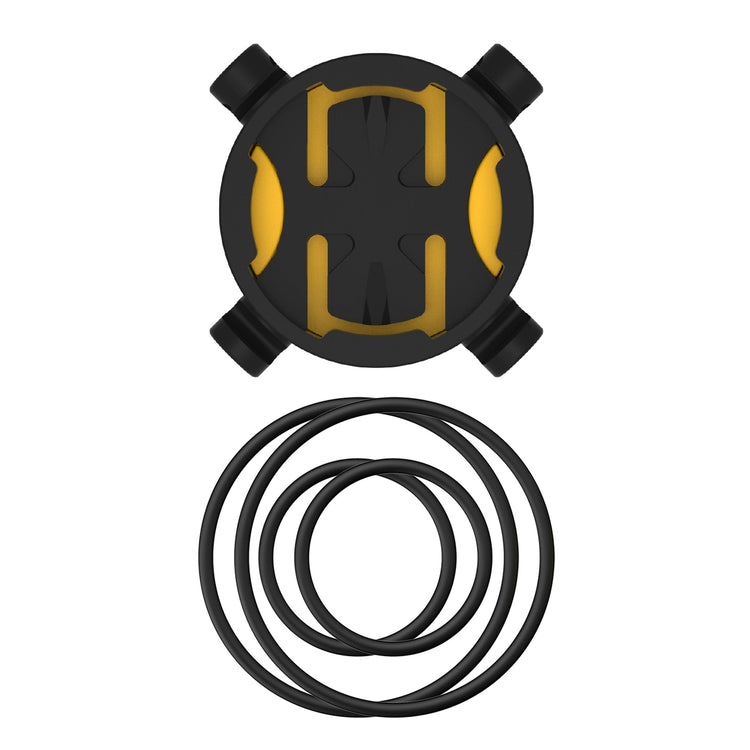
Beeline Velo 2 Stem Cap Mount $41 .00
Beeline Velo 2 Stem Cap Mount $28 .00
Easily create the best route using the Beeline app and get riding in seconds.
Plan unlimited routes using Beeline Smart Routing TM.
Import a favourite route from other planners via GPX.
Access your Strava routes.
Routes
Stay on track with simple, intuitive turn-by-turn directions.
Quick rerouting gets you back on track in seconds. Even with no phone GPS signal, Velo 2 will point you back to your route.
Use compass mode to get off the beaten track. An arrow points to your destination giving you complete freedom on the path you take to get there.
Navigation
Speed
Average speed
Distance accrued
Distance remaining, time remaining and ETA
And more…
Easily upload all your rides to Strava.
Share rides with friends/family via GPX.
Tracking & Analysis
Monitor all key live metrics during your rides, including:
From your average speed to where you've been over the last year, all are automatically saved in the Beeline app for analysis.
High location accuracy: Sensor fusion improves ride-data quality and reduces dependency on unreliable signal from phones.
Superfast USB-C charging: Get 30% charge (over 2 hours riding) from empty in 20 minutes.
11 hours battery life and 18 months standby: Take on big events knowing that Velo 2 will get you home.
Weather sealed: Our RockerTop™ button technology keeps out whatever the elements throw at you.
Super compact: the IPS LCD 32mm screen lets you de-clutter your bars whilst keeping a crisp and clear interface for navigation and tracking. Its compact size and universal mount are perfect for any handlebar or stem.
Sustainability at its core: The world’s first carbon and plastic negative cycling computer. Designed to last and fully repairable via our professional refurbishment scheme.
Hardware
Phone requirements
iPhone running iOS 15.0 and above
or
Android phone with Google Play running 8.0 Oreo and above
Bluetooth 4.0 capability required
Type: Rechargeable Lithium Polymer
Capacity: 400 mAh
Battery life in use: 11 hours
Battery life in standby: 18 months
Charging: Waterproof USB-C
Battery
Screen technology: LCD IPS circular display with LED backlight
Resolution: 240 x 240 px (266 PPI)
Active area diameter: 32.4 mm (1.28 inch)
Display lens material: PMMA with anti-scratch coating
Display
Accelerometer
Gyroscope
Magnetometer
Ambient light sensor for automatic brightness adjustment
Sensors
Bluetooth 4.0 low energy
Connectivity:
ABS
PMMA
Polycarbonate
TPU
Materials:
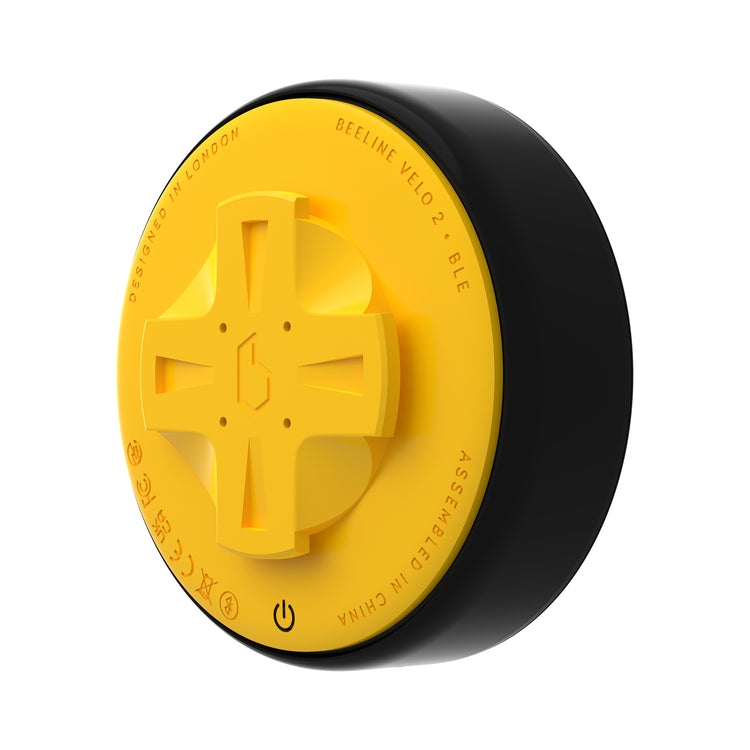
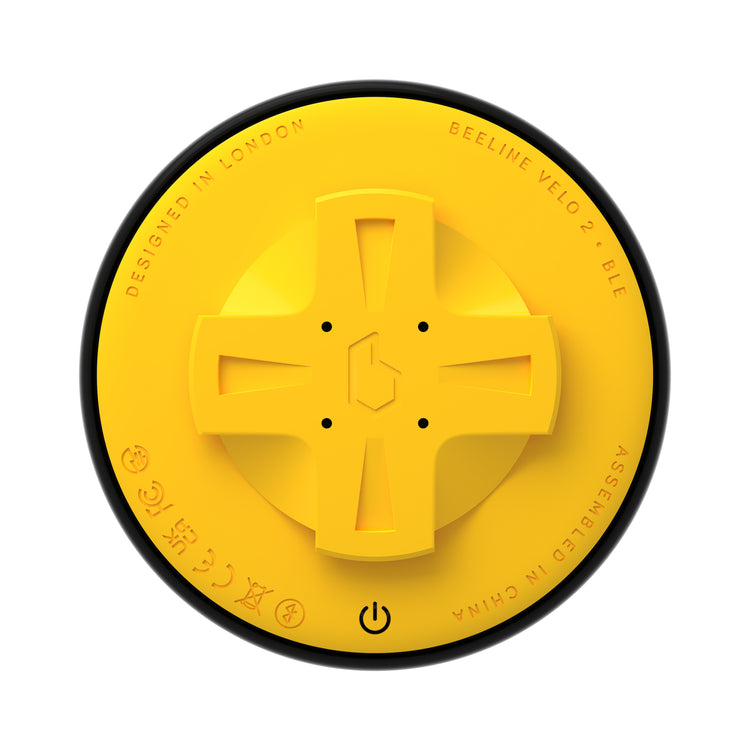
4x physical RockerTopTM buttons.
Interface:
Weather-sealed, water and dust resistant.
Water and particle resistance:
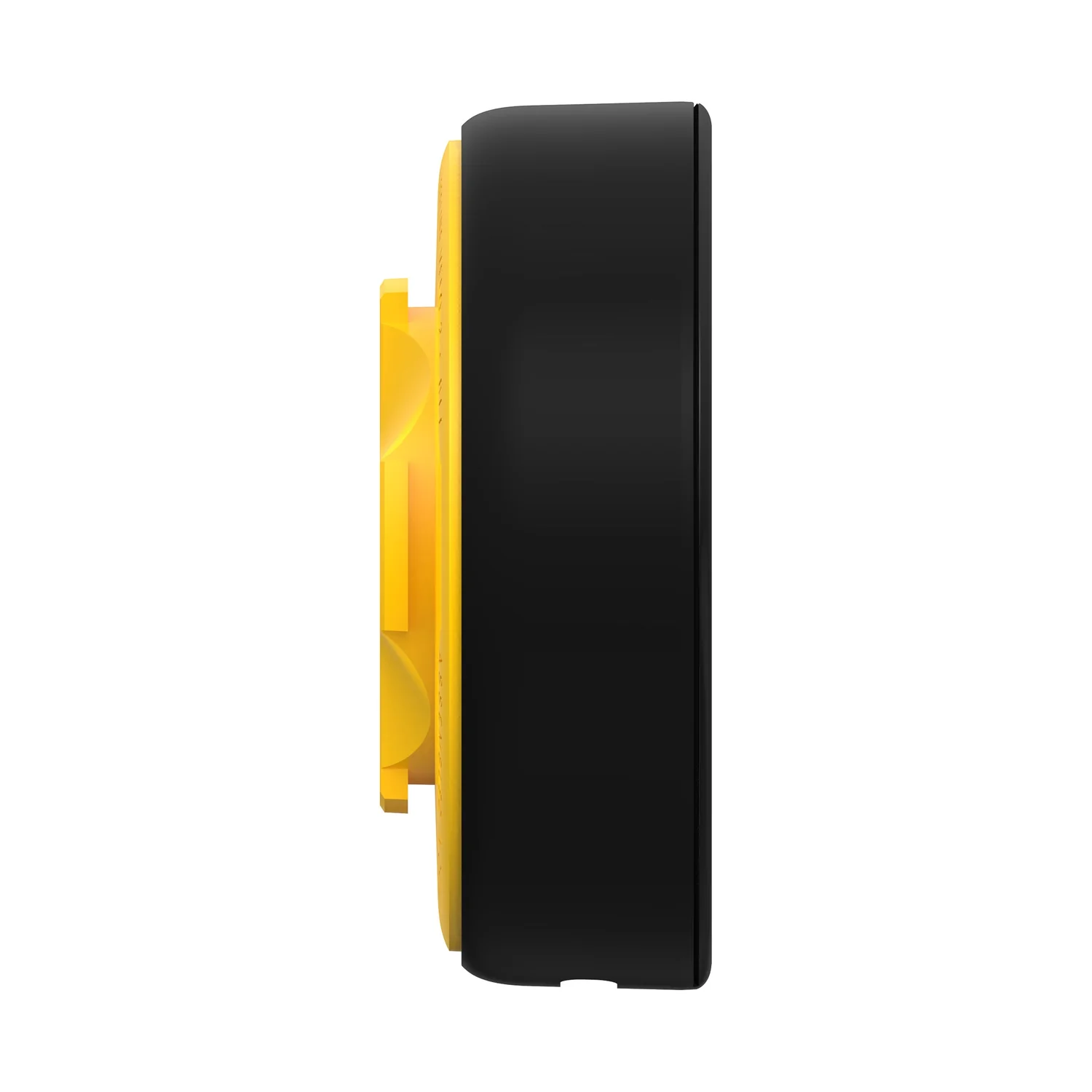
46.4 mm (1.82 inches) diameter, 17.3mm (0.68 inches) deep
25 grams (0.8 oz)
Size and weight
Free shipping USA
All other locations: $10
USD: $30
USD: 2-3 working days
USD: 3-5 working days
Outside USD & EU: 5-7 working days
Estimated shipping time
Orders outside the UK and EU may incur additional import duties & customs charges. These are levied at the port of ingress and are the responsibility of the purchaser. Please check customs charges in your country before ordering.
Customs charges






Simple navigation that is small, sleek, easy to use and well-priced.
Road.cc

It’ll find you new routes, help you navigate with turn-by-turn directions, and track your adventures.
Evening Standard

New game-changing GPS.
Motorcycle News

... a million times better than any fancy Garmin Edge or Wahoo unit would have been.
DC Rainmaker
Clever design, a simple interface, and loads of extra functionality.
BELLA S.
Clever design, a simple interface, and loads of extra functionality.
BELLA S.
Simple navigation that is small, sleek, easy to use and well-priced.
Road.cc
FAQs
Beeline is built to work worldwide, wherever there is GPS coverage, but there are a few exceptions.
Remember, you have two options for riding with your Beeline: Route Mode for turn-by-turn directions and Compass Mode for an as-the-crow-flies riding experience! To swap between them, just use the ‘Compass Mode’ toggle in the top left on the route planning screen. More about each of the two modes can be found here!
Route Mode Coverage: Beeline Velo/ Velo 2
Routing for Velo products in Route Mode uses Beeline Smart Routing in the countries listed in this article.
Compass Mode Coverage:
Compass Mode works in all countries apart from China.
Your Beeline has four RockerTop™ buttons, in the N, S, E and W positions of your Velo 2 device
Hold the bottom button for 3 seconds to turn on your Velo 2.
Once you've paired up with your device and have a ride setup, you can tap the top and bottom touch buttons to scroll through the device screens.
Android phones, like popular Samsung Galaxy and Huawei P10 models amongst many others, have a battery saver mode that can reduce GPS accuracy and then cause issues for navigating with a Beeline device.
- Go to Settings on your Samsung
- Go to Apps
- From the list of apps, search for Beeline
- Tap Battery
- Tap Battery optimisation
- Tap All apps
- From the list of apps, search for Beeline
- Select Don’t optimise
How to fix this issue for Samsung phones:
- Go to Settings Android device
- Tap for Device care or Battery
- Tap Battery optimisation
- From the list of apps, search for Beeline
- Select Don’t optimise
How to fix this issue for other Android phones:
This will allow background activity for Beeline, happy riding!
When you plan a Beeline route, your route will be plotted from your current location to the destination that you set, you can change the start location at any point by tapping on it. You can adjust these to tailor your route to one that suits you best.
Enter your destination by either tapping the location on the map or using the search function in the ‘Where to?’ at the bottom of the screen.
If it is a simple A to B type of day, that is it! From here you can choose to ride the route given, or blaze your own path with light guidance by choosing the Compass option.
For the longer days, you can also add stops along the way if there are any specific places that you would like to pass through on your ride. These are called waypoints.

'Excellent' Customer Support
Trustpilot rated support available 5 days a week

Free Shipping US
Hassle-free tracked delivery